
Computer Literacy for Windows 10
Computer Training with LinkedIn Learning
Tuesday, March 05
5:30pm - 7:00pm
This recorded video course shows a thorough, jargon-free introduction to computers, files and folders, networks, and peripherals like external storage drives and Bluetooth
This course covers basic skills for working with software applications, the internet, and email. The course goes over the components and types of computers and some special considerations when using a laptop. It explains operating systems, covers your User folder, desktop, and goes into the right-click, applications, and how to save and open files.
This course discusses a variety of computer peripherals, including how to get your computer’s internet access set up and protect your machine from viruses. It also tells you how to set up and use your email application, then goes into web browsing and performing basic and advanced searches.
Q&A, discussion, and hands-on practice are included.
Seating is limited to 15 participants.
Participants should bring a notebook and a pen or pencil.
A library card is not required to participate in the course.
If you’d like to use LinkedIn Learning on your own, and you do not have a library card, you can apply for one at any Broward County Library or sign up for an online card here.
To use LinkedIn Learning, you will need to register your card with the Alvin Sherman Library at Nova Southeastern University. Registering your Broward County Library card takes just a few minutes and is done entirely online. Visit here and follow the instructions to “Get an E-Card”.
AGE GROUP: | New Adults | Adults |
EVENT TYPE: | Technology | Discussion/Lecture | Class | Career/Business |
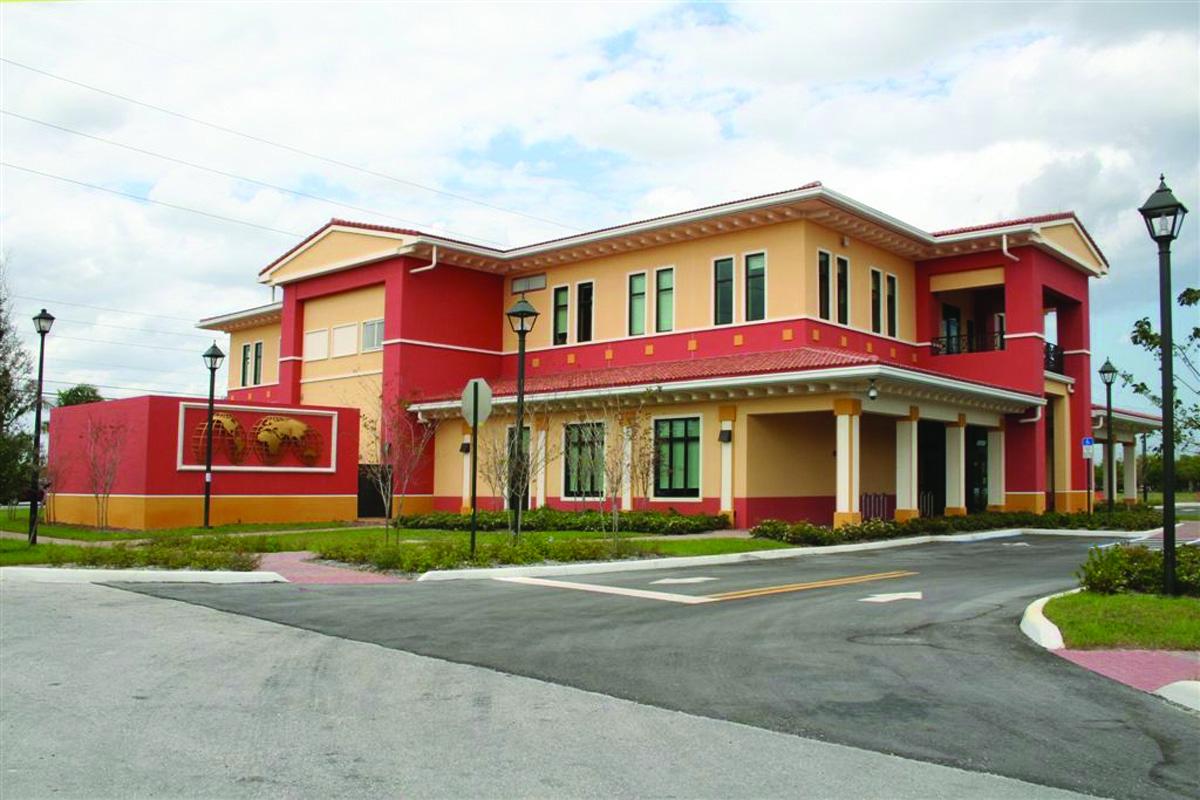
Lauderdale Lakes Branch Library/Educational and Cultural Center
| Mon, Oct 05 | 10:00AM to 6:00PM |
| Tue, Oct 06 | 12:00PM to 8:00PM |
| Wed, Oct 07 | 10:00AM to 6:00PM |
| Thu, Oct 08 | 12:00PM to 8:00PM |
| Fri, Oct 09 | 10:00AM to 6:00PM |
| Sat, Oct 10 | 10:00AM to 6:00PM |
| Sun, Oct 11 | Closed |