

Computer Literacy for Windows 10
Tuesday, July 09
10:30am - 12:30pm
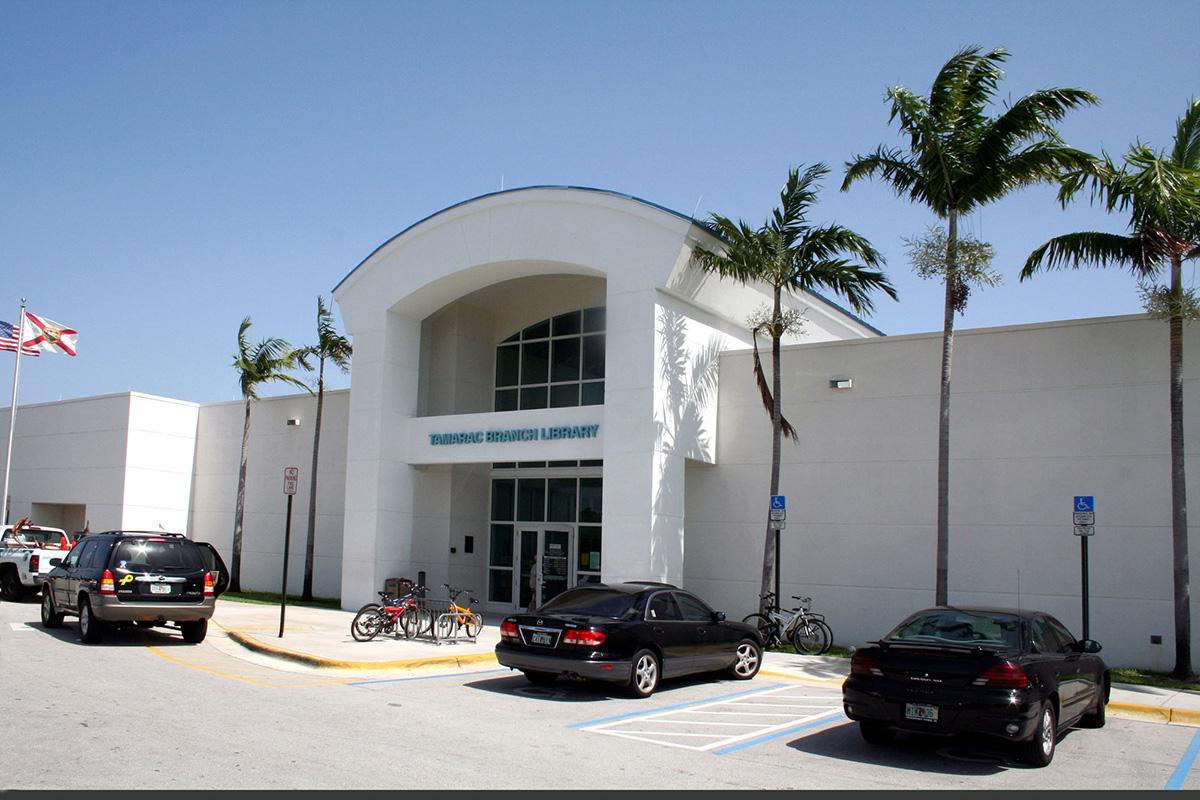
Tamarac Branch
Computer CenterComputer training with LinkedIn Learning and live Q&A.
Get up to speed quickly with your Windows computer. The instructor provides a thorough, jargon-free introduction to computers, files and folders, networks, and peripherals like external storage drives and Bluetooth devices. Also covered are basic skills for working with software applications, the internet, and email, the components and types of computers and some special considerations when using a laptop. The instructor explains what is an operating system. After covering your User folder and desktop, the instructor talks about right-click, applications, and how to save and open files as well as discussing a variety of computer peripherals, including how to get your computer’s internet access set up and protect your machine from viruses. You will learn how to set up and use your email application, do web browsing and perform basic and advanced searches.
Tamarac Branch
| Mon, Oct 19 | 10:00AM to 8:00PM |
| Tue, Oct 20 | 10:00PM to 8:00PM |
| Wed, Oct 21 | 10:00AM to 8:00PM |
| Thu, Oct 22 | 10:00AM to 6:00PM |
| Fri, Oct 23 | 10:00AM to 6:00PM |
| Sat, Oct 24 | 10:00AM to 6:00PM |
| Sun, Oct 25 | Closed |