

Learning Computer Security and Internet Safety
Wednesday, April 29
12:00pm - 1:00pm
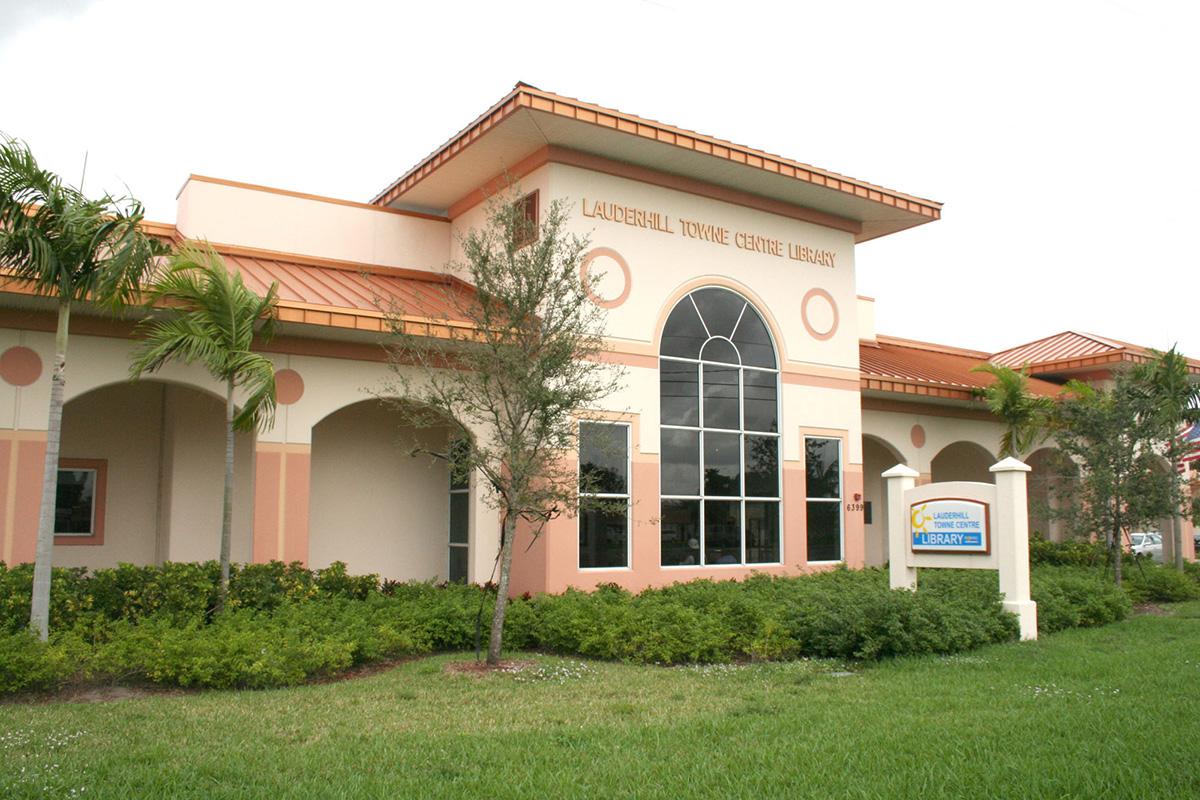
Lauderhill Towne Centre Library
Multipurpose RoomLearn how to safeguard your computer, keep your digital data secure, and protect your privacy online.
Learn how to safeguard your computer, keep your digital data secure, and protect your privacy online. This beginner's guide to cybersecurity, concentrating on Windows, will help you prevent malware, viruses, and security breaches on your computer and your network. First, instructor Jess Stratton guides you through securing your computer—with antivirus software, firewalls, and encryption—and protecting your wireless network. Then, see how to adjust privacy and security settings in popular web browsers, avoid phishing scams, use public Wi-Fi safely, and enable two-step verification for more-secure logins. Then take steps to bolster your online privacy—including choosing better usernames and turning on Do Not Track requests—as well as the privacy of others, by blurring out sensitive information in photos and emails. By the end of this course, you'll have the tools and knowledge to secure your computer and laptop and keep your information safe online.
A library card is not required to participate in the course.
WAITLIST: If you sign up for the waitlist, please be aware that contact to place you into the class may occur only 24-36 hours before the class date/time. You may choose to register for the other dates for this class offered May 27 and July 8.
AGE GROUP: | New Adults | Adults |
EVENT TYPE: | Technology | Literacy/Learning Services | Class |
TAGS: | Trending Topics |
Lauderhill Towne Centre Library
| Mon, May 25 | Closed |
| (Memorial Day) | |
| Tue, May 26 | 12:00PM to 8:00PM |
| Wed, May 27 | 10:00AM to 6:00PM |
| Thu, May 28 | 10:00AM to 6:00PM |
| Fri, May 29 | 10:00AM to 6:00PM |
| Sat, May 30 | 10:00AM to 6:00PM |
| Sun, May 31 | Closed |